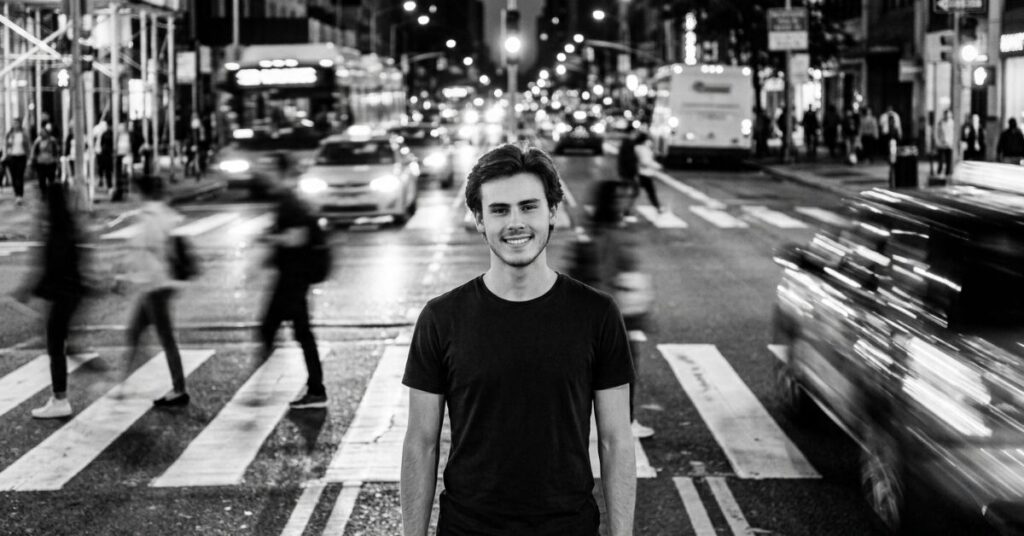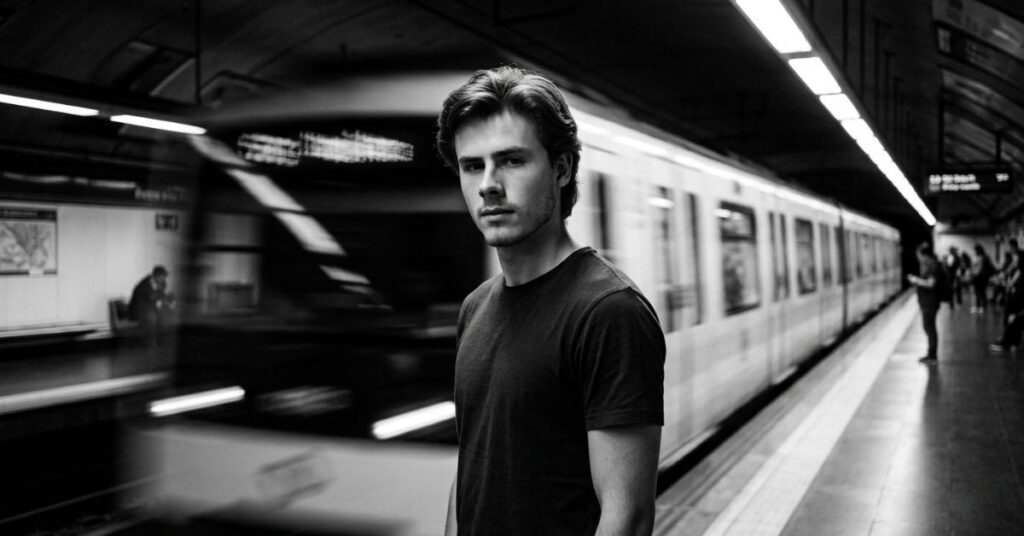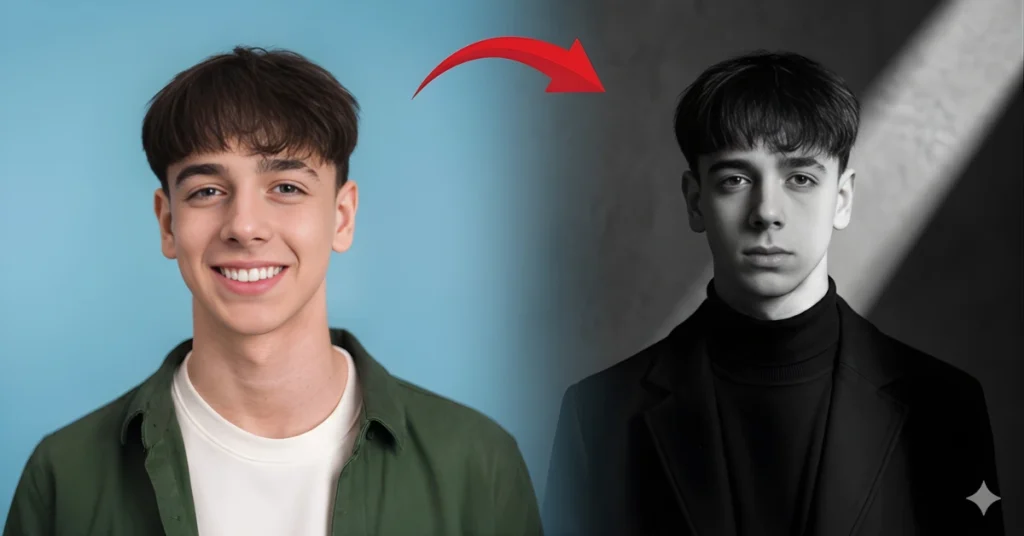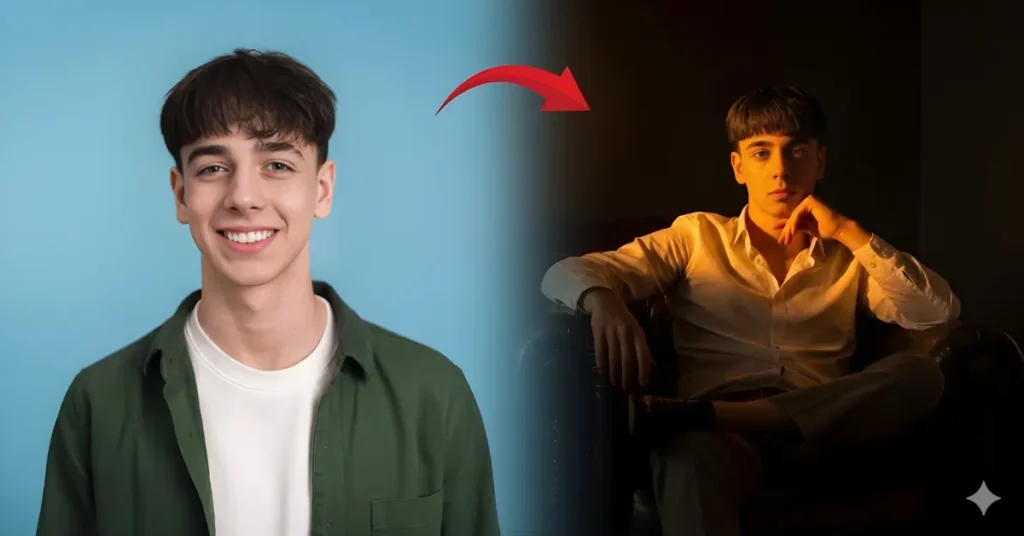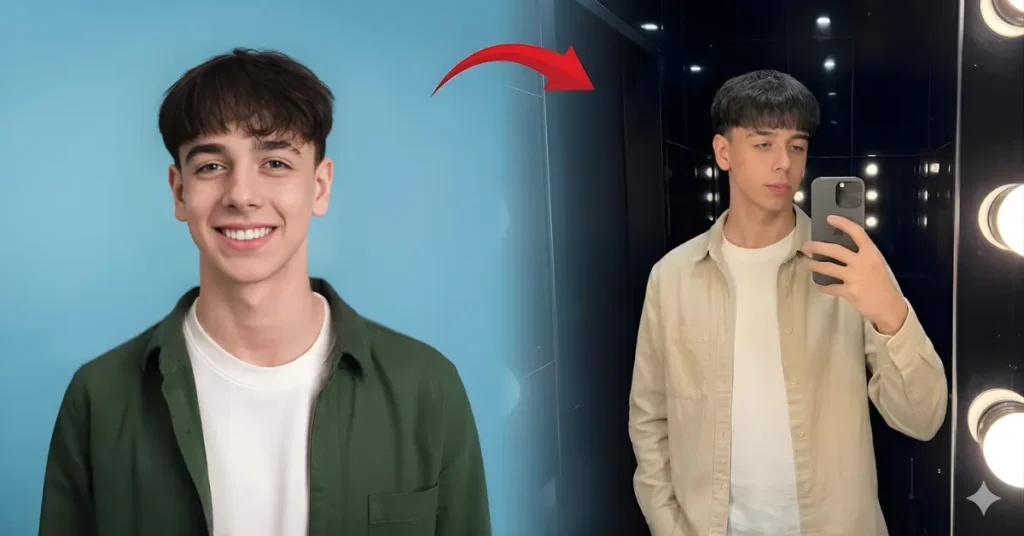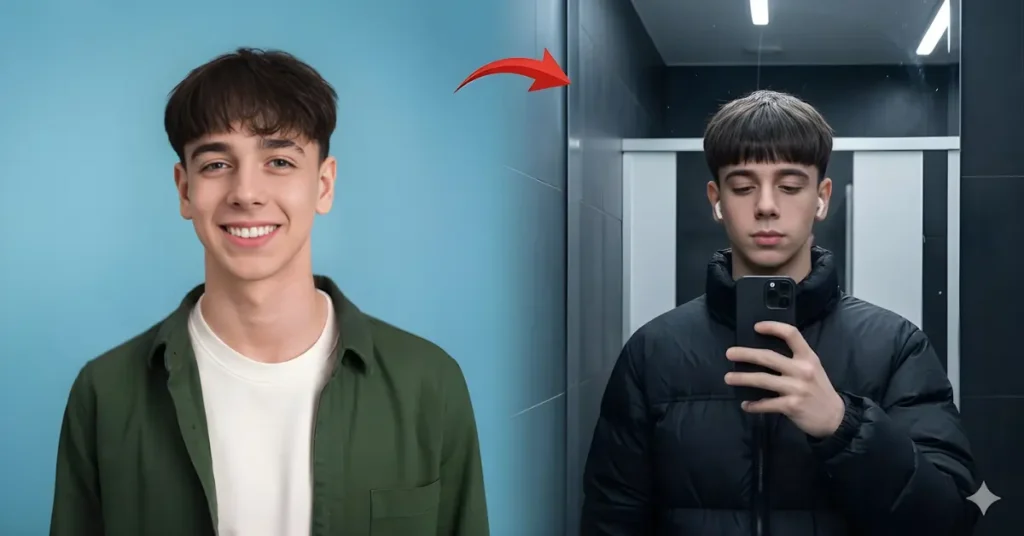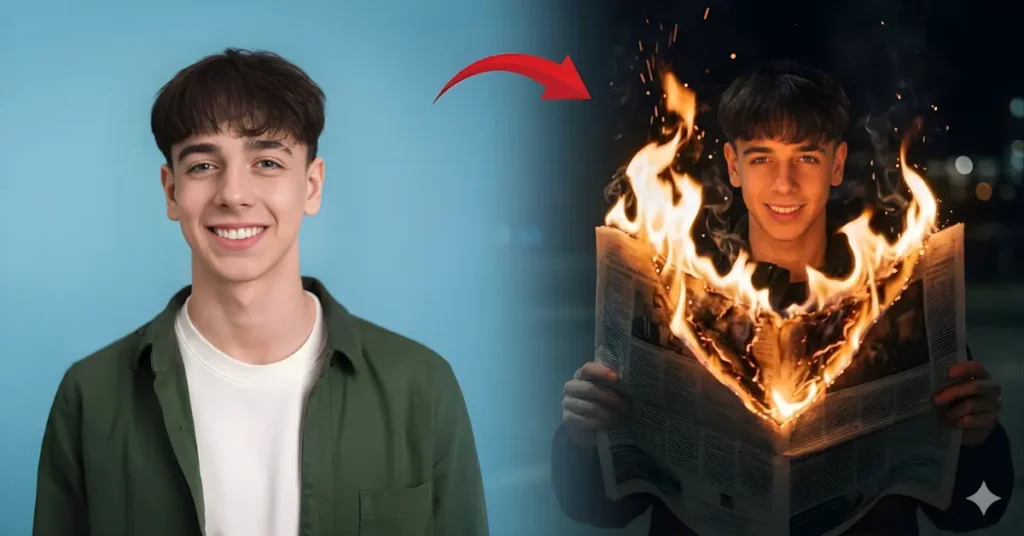
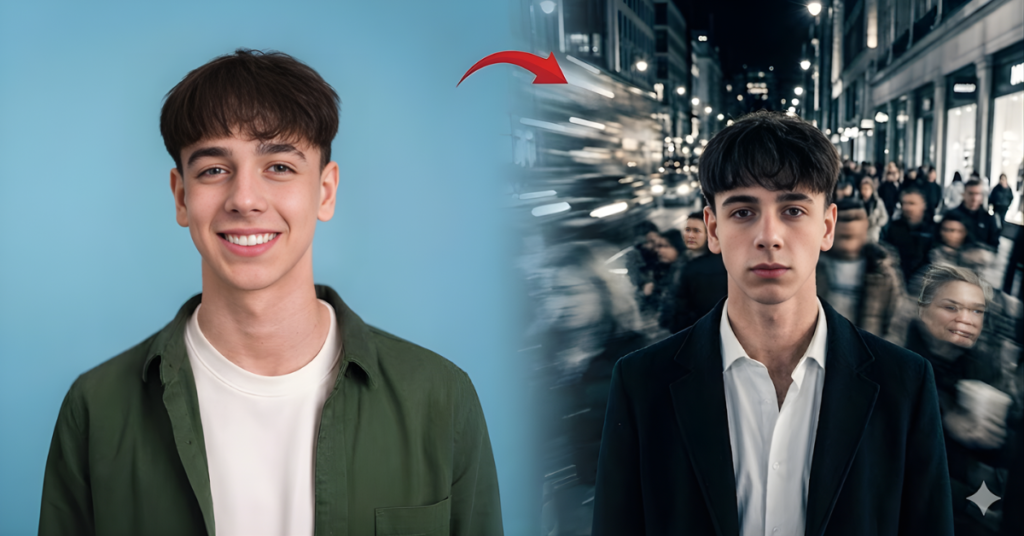
Use the uploaded image as the primary reference and recreate the same pose, composition, motion blur effect, and cinematic atmosphere as the reference image. A cinematic black and white street portrait of a young man standing still in the middle of a busy city environment while crowds move around him. The subject stands calmly and confidently with a slightly serious expression while looking toward the camera. Maintain the same body posture and framing as the reference image. The subject is wearing a stylish dark overcoat layered over a light button-up shirt, creating a modern elegant street fashion look. Clothing style should remain the same as the reference image. The environment is a busy city street at night with moving pedestrians and glowing lights in the background. Use a long exposure effect so that the surrounding people appear blurred and stretched with motion while the subject remains perfectly sharp and in focus. Lighting should be soft urban night lighting coming from street lights and shop lights, creating a cinematic glow and highlights around the scene. The background should contain blurred city lights and motion streaks that emphasize movement and contrast with the still subject. Photography style: cinematic black and white street photography, long exposure motion blur, dramatic contrast, editorial fashion photography style. Camera angle: eye-level portrait shot with medium framing focused on the subject while the moving crowd surrounds him. Camera details: full frame camera, 85mm lens, slow shutter speed to capture motion blur from moving people, f/2 aperture with sharp focus on the subject and blurred motion around him. Color grading: pure monochrome black and white with deep blacks, bright highlights, and cinematic contrast. Image quality: ultra realistic, professional street photography, high dynamic range, extremely detailed subject, 8K resolution. Important: keep the same pose, same clothing style, same crowd motion blur effect, same background movement, same framing, and same cinematic black and white street photography style as the reference image while keeping the subject sharp and the surrounding people blurred with motion.
The Cinematic Story Behind Motion Blur Street Portraits
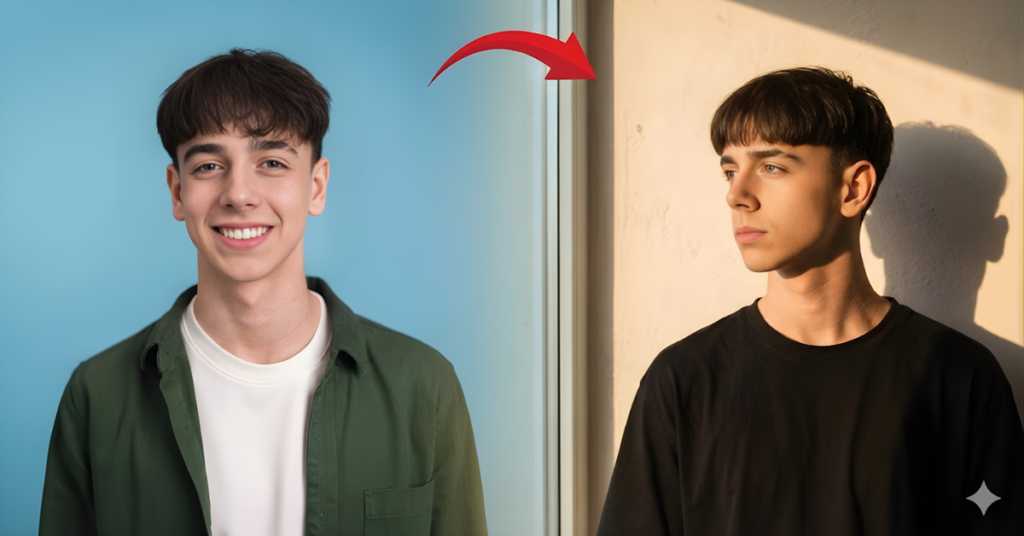
This street motion blur AI prompt creates a powerful visual contrast between movement and stillness. The subject stands calmly while the surrounding crowd appears blurred due to long exposure. This technique is often used in editorial street photography to emphasise the subject in a busy urban environment. If you enjoy portrait prompts with strong lighting effects, you can also check the Golden Hour Shadow AI Prompt for warm cinematic sunlight photos.
How Long Exposure Creates Motion Blur in AI Images
Long exposure photography allows moving objects to blur while stationary subjects remain sharp. This concept can also be simulated in AI-generated portraits.
Key motion blur elements include:
• Slow shutter speed effect for crowd movement
• Sharp focus on the main subject
• Blurred pedestrians and light streaks
• Strong contrast between motion and stillness
Many creators experiment with these effects using platforms like Google Gemini, where prompt details control movement and lighting.
Fashion Style Used in This Street Motion Blur AI Prompt for Men
The outfit in this prompt creates a modern urban fashion look that matches the city environment. A dark overcoat layered over a light shirt adds contrast in black and white photography.
Key visual styling details:
• Elegant overcoat for editorial street fashion
• Clean monochrome color grading
• Medium portrait framing with an 85mm lens
• Night city environment with glowing lights
Creators exploring fashion-style prompts sometimes combine these ideas with the Bathroom Mirror Selfie Gemini AI Prompt to generate stylish urban AI portraits
Tips for Generating Better Street Photography AI Prompts
Street portraits rely on atmosphere and environment as much as the subject itself. Clear scene descriptions help AI models produce more believable results.
Follow these simple tips:
• Describe movement of crowds or traffic
• Mention lighting sources like street lamps
• Specify motion blur or long exposure effects
• Define camera framing and subject focus
Many AI prompt writers follow image-generation techniques published by Google AI to improve prompt clarity and output quality.