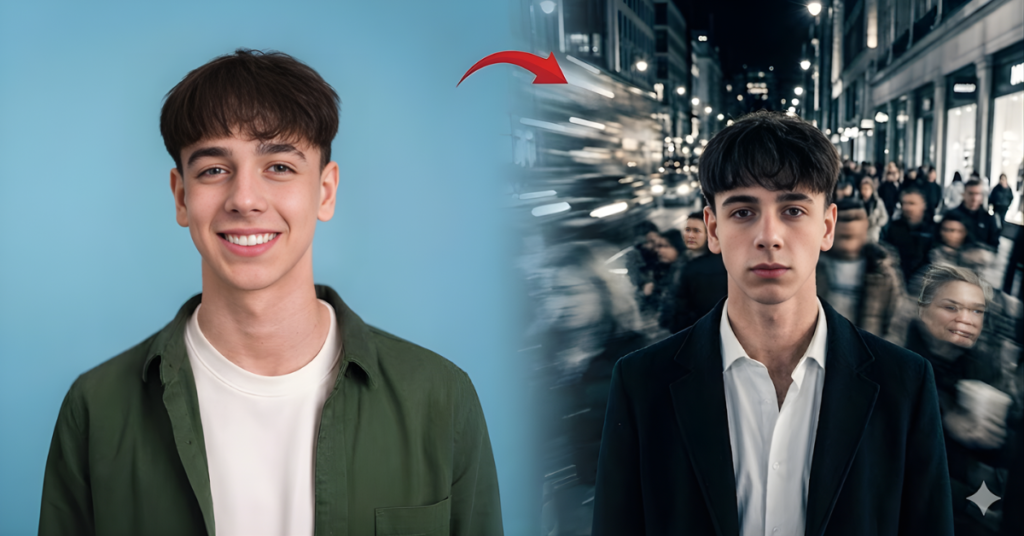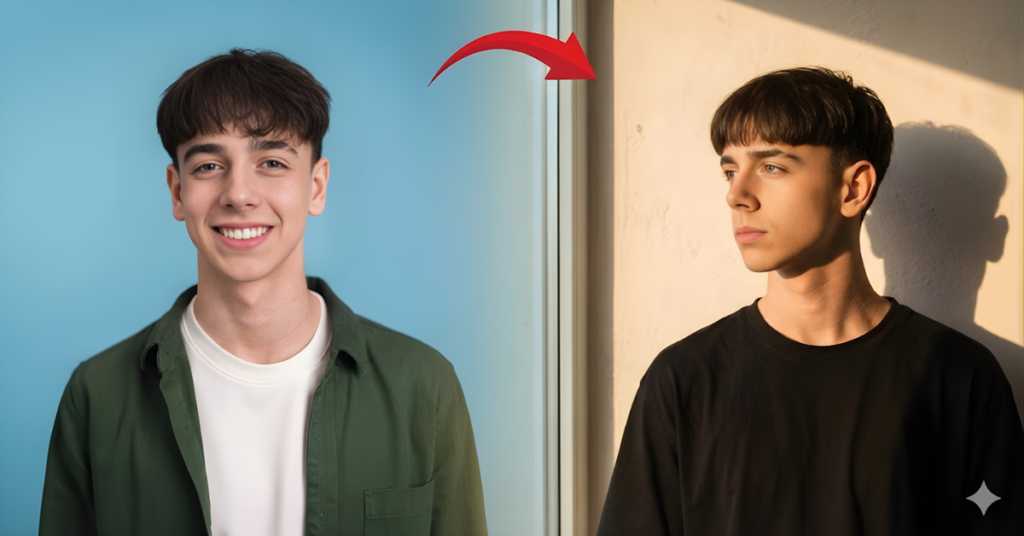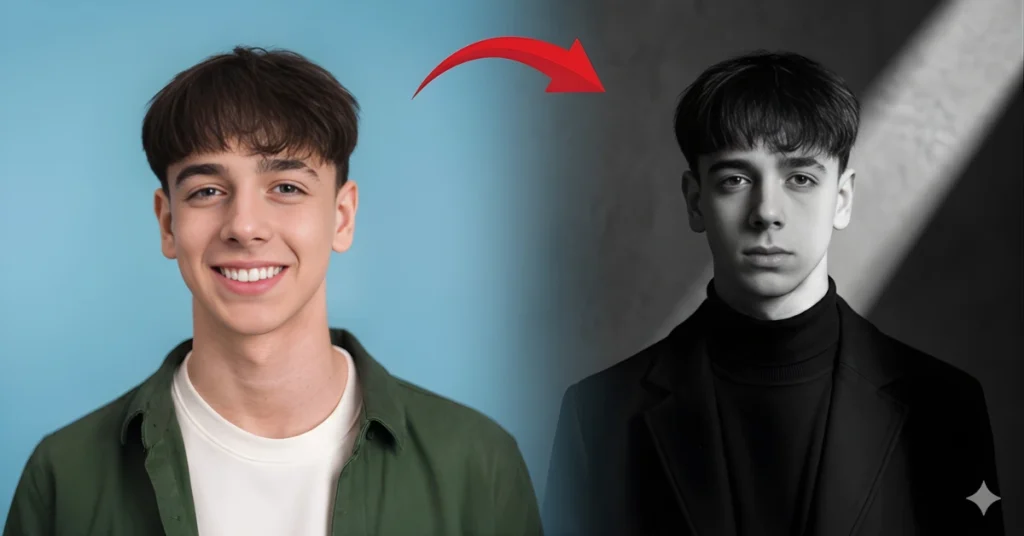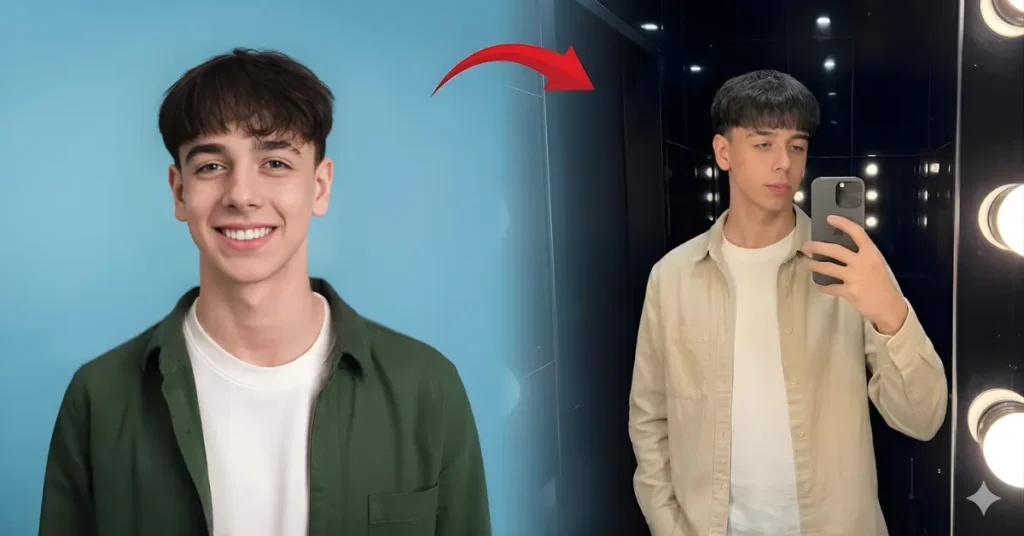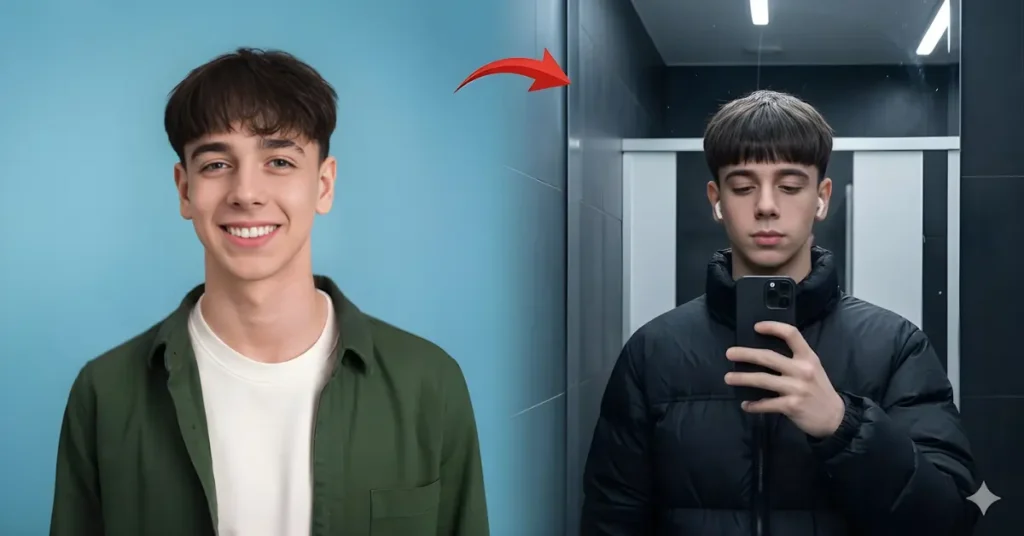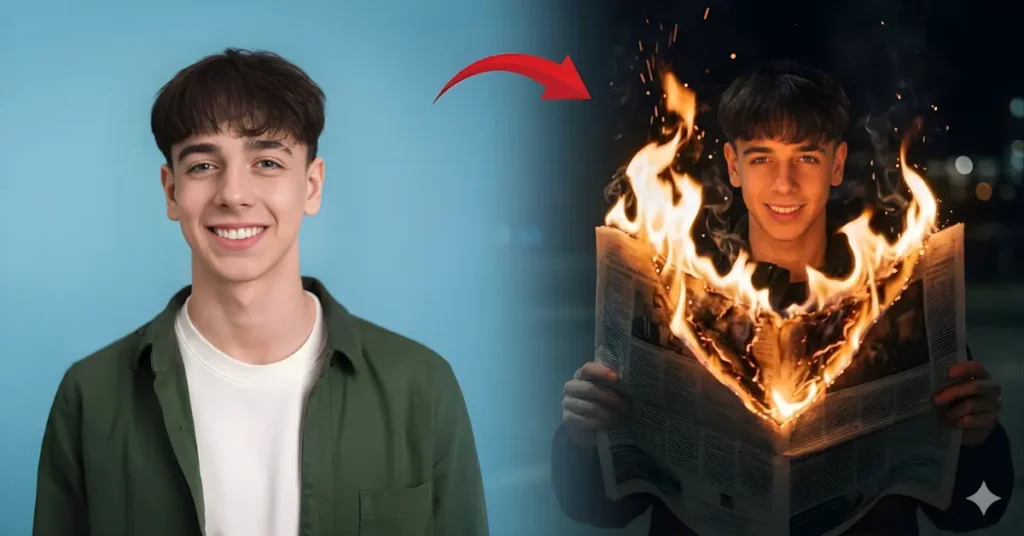
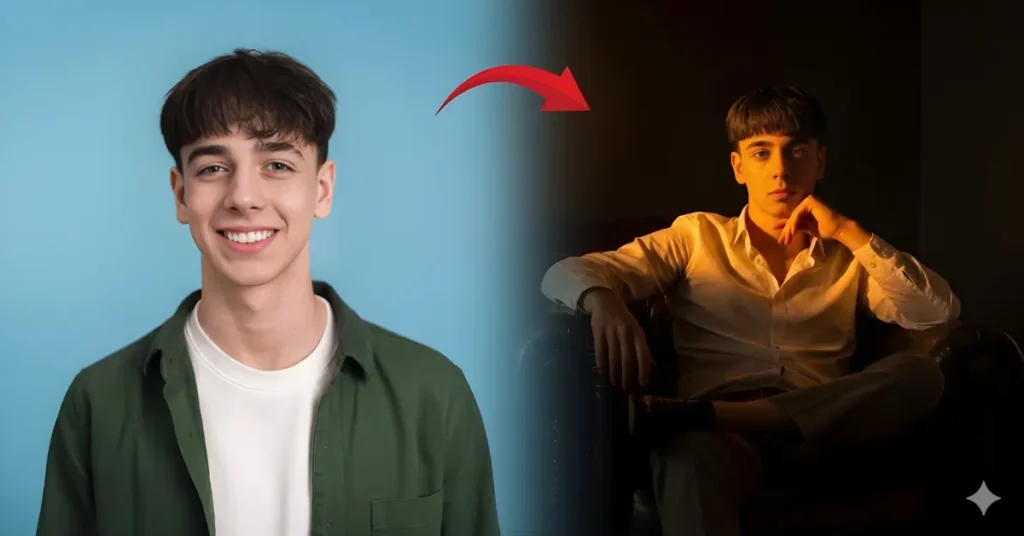
An ultra-realistic, cinematic portrait photograph featuring the specific young man from image_0.png. The prompt must ensure his exact facial features, dark bowl-cut hair, and wide, genuine, toothy smile are pixel-perfectly preserved from image_0.png. He is looking directly at the camera. He is wearing the exact same forest-green textured button-down overshirt (unbuttoned) over the plain white crew-neck t-shirt from image_0.png, with identical fabric weave and texture. The composition remains a waist-up portrait, but everything except his face, hair, smile, and clothing has changed. Instead of the plain blue studio background, he is now standing on a winding path within a lush, sun-dappled, historic urban park during the golden hour. The background, softly blurred with shallow depth of field (bokeh), shows ancient, lichen-covered stone arches and a well-tended garden with blooming rose bushes. Further in the background, a historic European-style brick building with large windows is visible, with warm lights from within just starting to glow. The lighting is now environmental and directional golden hour sun, coming from the side-front, creating rich, warm highlights on his face and clothes and soft, long shadows on the stone path and foliage. The cobwebbing of leaves creates intricate patterns of light and shadow (komorebi) on the ground. A vintage, green park lamp post stands nearby. His pose is relaxed, with his hands casually placed in the pockets of the green overshirt. The photo quality is 8K, captured with a full-frame camera (e.g., Sony A1, 85mm f/1.4 lens) with visible skin pores and cloth weave. The color grading is cinematic and warm.
Why This Golden Hour Portrait AI Prompt for Men Creates Cinematic Photos
This golden hour portrait AI prompt works because it clearly defines the outdoor environment, lighting direction, and subject details. The warm sunset light combined with a park setting helps the AI generate a natural lifestyle portrait. Instead of a plain studio background, the prompt introduces realistic elements that make the image look like professional outdoor photography.
Key reasons this prompt works well:
• Golden hour sunlight creates soft cinematic lighting
• Natural park environment adds depth and realism
• Shallow depth of field creates a professional portrait look
• Warm color grading enhances the overall mood
If you enjoy artistic portraits with controlled lighting, you can also explore our Black and White Gemini Prompt for Boys, for dramatic monochrome photography styles.
Key Elements That Make This Golden Hour Park Portrait AI Prompt for Men Effective
A well-structured AI prompt needs clear visual instructions so the model understands the scene. This prompt includes strong environment and lighting descriptions to guide the AI.
Important elements in this prompt:
• Golden hour sunlight with warm highlights
• Historic park environment with arches and gardens
• Relaxed waist-up portrait composition
• Professional camera settings like an 85mm lens
Many creators generate cinematic images like this using tools such as Google Gemini, where detailed prompts help produce realistic outdoor portraits.
How to Customize This Golden Hour Park Portrait AI Prompt for Men
You can easily customize this prompt by changing the environment or lighting style. Small changes can create completely different outdoor portrait aesthetics.
Try adjusting these elements:
• Replace the park with a beach sunset location
• Change clothing to streetwear or formal outfits
• Use autumn foliage or spring gardens for seasonal looks
• Add city skyline backgrounds for an urban vibe
Creators who want to experiment with different environments often combine prompts like this with the Bathroom Mirror Selfie AI Prompt to produce creative AI images.
Tips for Generating Better Outdoor AI Portraits
To get more realistic results, keep your prompt clear and descriptive. AI models perform better when the scene and lighting are well explained.
Follow these tips:
• Upload a clear reference photo for accurate facial identity
• Describe lighting direction and time of day
• Add environmental elements like trees or buildings
• Specify camera style and depth of field
Many prompt writers also follow prompt design techniques recommended by Google AI to improve the accuracy of AI-generated images.